QuickBooks Integration
Sync Invoices and Estimates with QuickBooks
Run your jobs in Joist, and let QuickBooks keep up in the background. Estimates and invoices stay in sync as you work. Your books (and your accountant) are always up to date, without extra steps.
Instant signup. 14 day free trial. No credit card required.
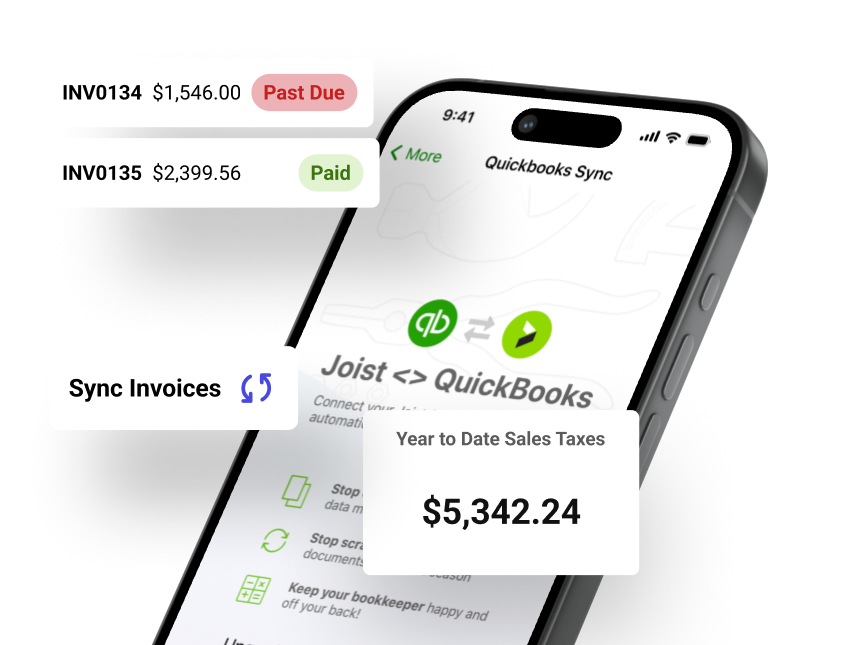


Automate your bookkeeping with QuickBooks Sync
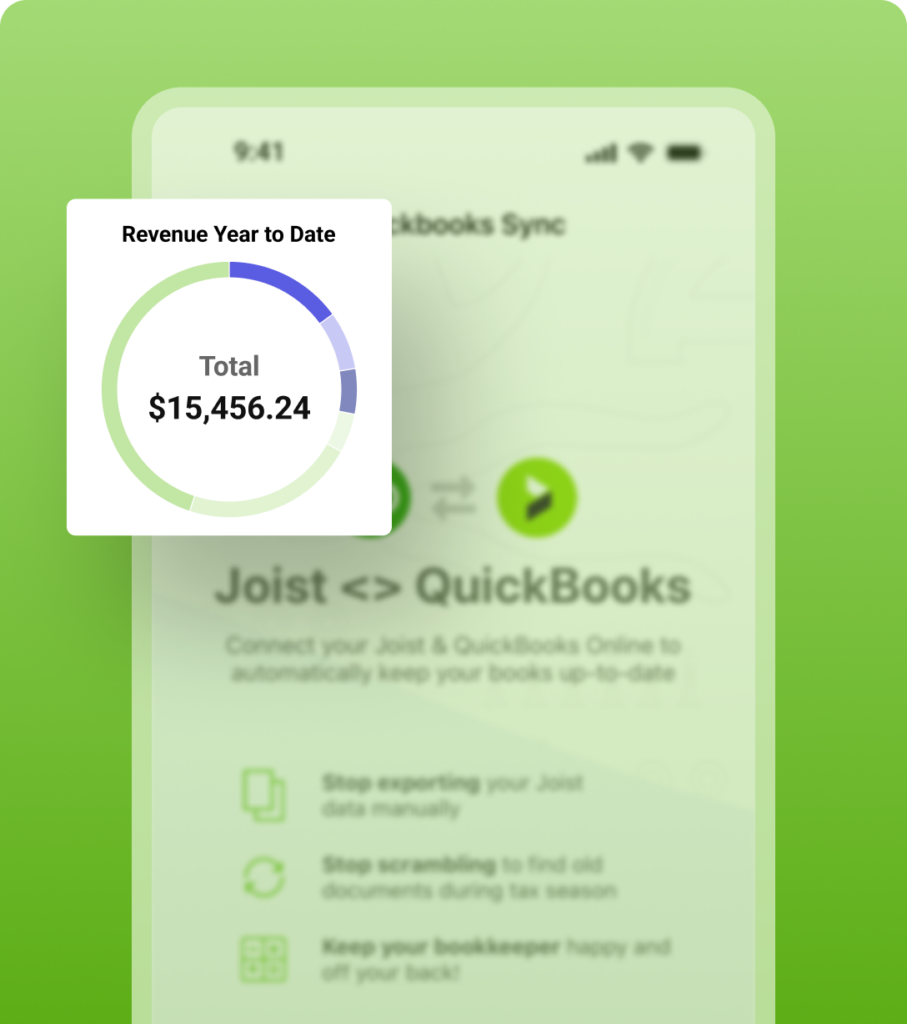
Link your accounts to automatically send invoices and estimates from Joist to QuickBooks Online. As you create and update jobs, your records match across both tools, without entering the same information twice.
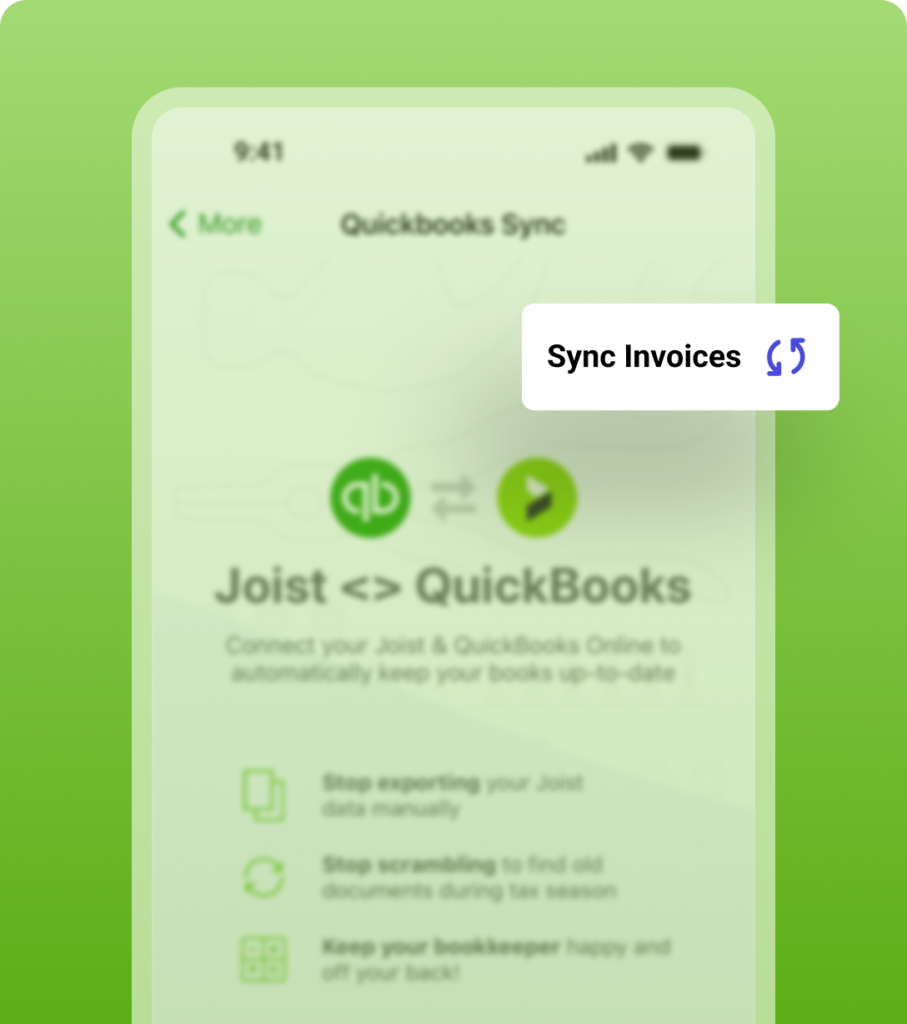
Sync invoices and estimates as you work
Invoices and estimates you create in Joist are automatically sent to QuickBooks, so your records stay current without manual entry.
- Have invoices sent to QuickBooks automatically
- Skip going back later to enter the same details
- Keep your books up to date as your jobs move forward
Instant signup. 14 day free trial. No credit card required.
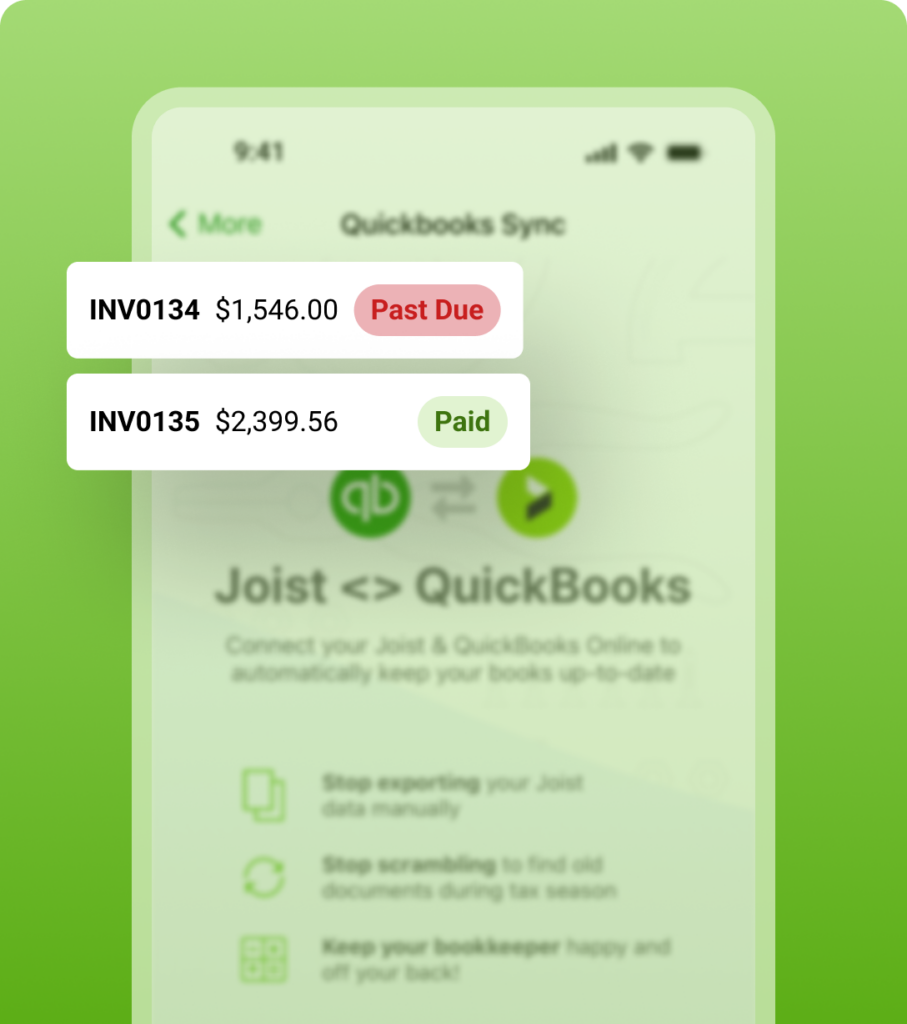
Keep your books consistent without retyping any numbers
By sending data directly from Joist to QuickBooks, you avoid missed entries and keep your records aligned across platforms.
- Cut down on small errors from handling it manually
- Make sure every invoice is accounted for
- Keep your QuickBooks records tied to your work
Instant signup. 14 day free trial. No credit card required.
Set it up once and stay in sync
Connect Joist and QuickBooks Online in a few steps. Your data syncs automatically, with the option to manually sync anytime.
- One-time connection to QuickBooks Online
- Sync runs in the background daily after setup
- Manually sync your data whenever you need
Instant signup. 14 day free trial. No credit card required.
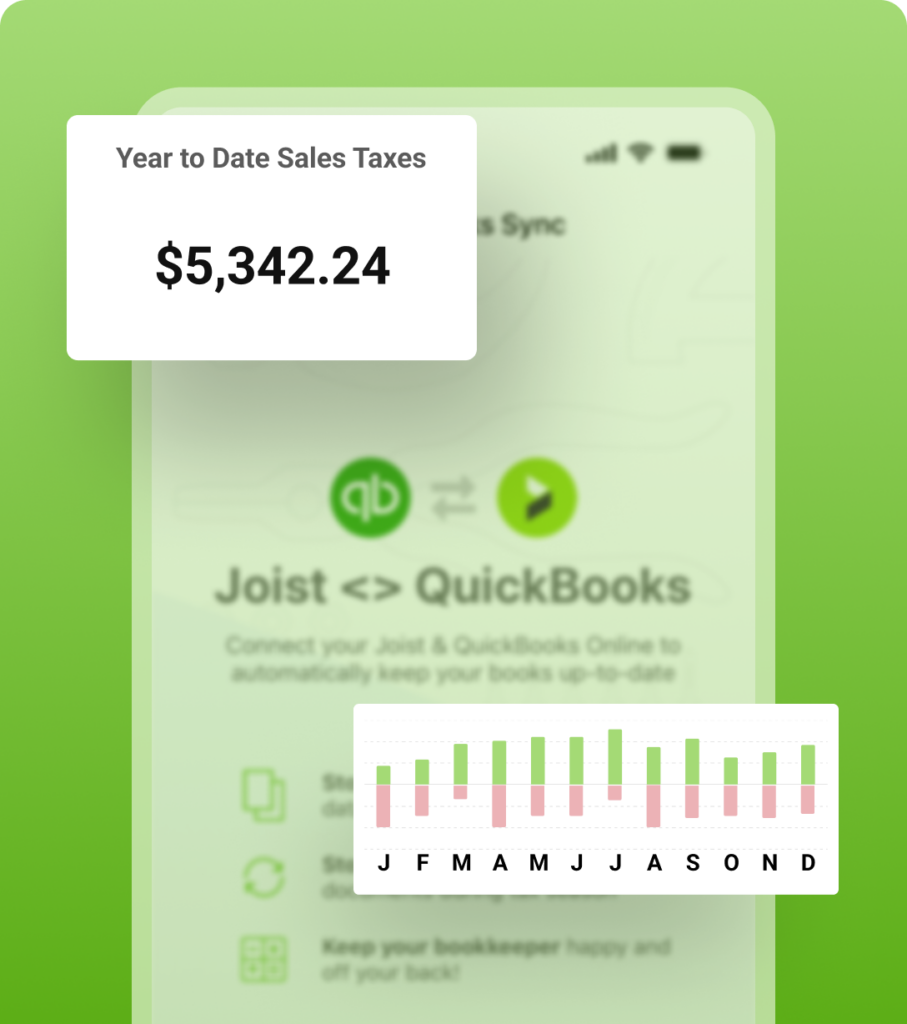
Share up-to-date records without extra work for you
Because your data lives in QuickBooks Online, your accountant can access everything they need directly, without having to ask.
- Let your accountant log in and view your books
- No files, exports, or follow-ups needed
- Stay ready for tax time year-round
Instant signup. 14 day free trial. No credit card required.


10 out of 10 hands down
Stay on top of the financial side of your business
Syncing with QuickBooks keeps your books up to date, saving time long after the job is done. Joist also helps you track expenses, review business performance, and access tools to run a stronger business.
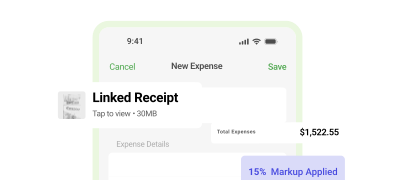
Track Job Expenses
Capture and track expenses as you work, so every cost stays tied to the job and nothing gets lost in the shuffle.
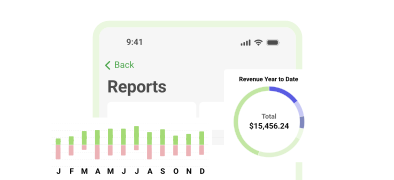
Get Real-time Reports
For a clearer view of your business, see revenue, clients, and sales tax totals in one place, without extra tracking or spreadsheets.
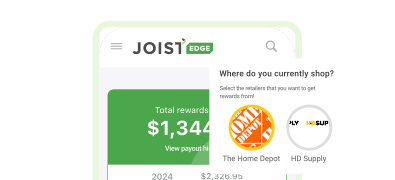
Get Rewards & Resources
Earn rewards on eligible purchases and access trade-specific resources, expert insights, and community support.
Quickbooks Sync FAQ
Once you connect your accounts, Joist automatically sends your invoices and estimates to QuickBooks Online. This keeps your records aligned across both tools without needing to enter the same information twice.
The integration works with QuickBooks Online. Since both tools are cloud-based, your data can sync automatically and stay up to date as you work.
Yes. Because your data is stored in QuickBooks Online, your accountant can log in and access your records from their own portal directly. There’s no need to export files or send spreadsheets back and forth.
Yes. Syncing your invoices to QuickBooks helps keep your income records up to date. When combined with your expenses in QuickBooks, you get a clearer view of your overall business performance and profit margins.
No. As a Joist Pro or Elite users, you can connect Joist and QuickBooks Online in just a few steps. Once connected, your data begins syncing automatically, with the option to manually sync at any time.
Free Resources on Accounting
Get access to free tools, templates, and guides built for contractors. Learn how to manage your records, track your work, and keep your books in order as your business grows.
Explore all articles & guides on contractor accounting
Find tips on managing your books, understanding your numbers, and staying organized so you’re ready for tax time.

Accounting & Reports
10 minute read
How to File Taxes as a Contractor: A Guide for Plumbers, Electricians, Roofers, and Tradespeople

Accounting & Reports
8 minute read