Client Management for Contractors
Every Customer Detail, Organized in One Place
Show up prepared for every customer. Joist keeps contact info, notes, past work, documents, and payment activity together, so you always have what you need, right when you need it.
Instant signup. 14 day free trial. No credit card required.
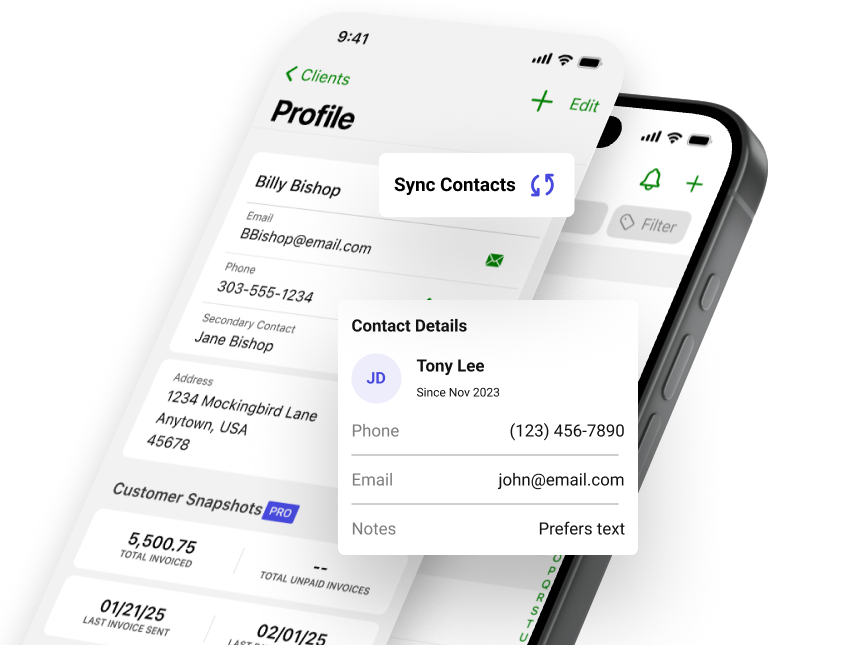


Client management software that connects your work
Each client profile brings together contact details, notes, estimates, invoices, and payments in one connected view. Over time, you build a clear record of every customer, so you stay organized and ready when they call.
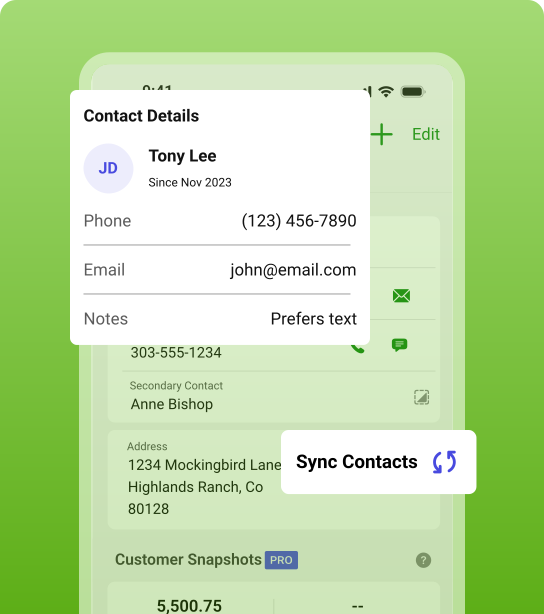
Keep customer details easy to find
Store contact details and notes in one centralized hub, so you always have the right information when you need it.
- Sync your existing contacts to quickly build your client list
- Add contact information once and reuse them anytime
- Keep private notes handy for quick reference
Instant signup. 14 day free trial. No credit card required.
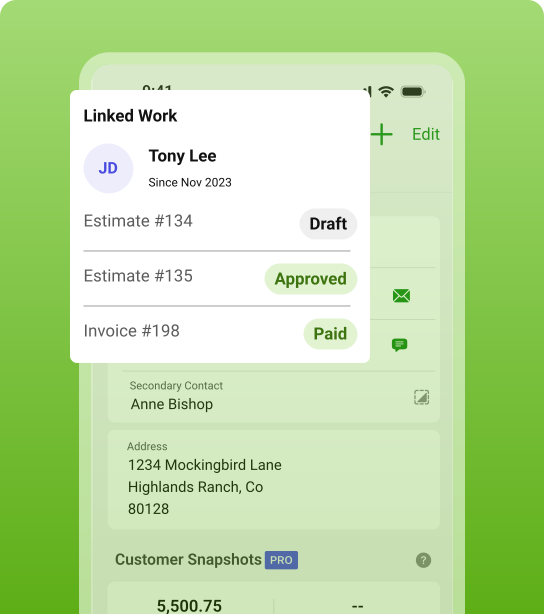
See the full job and payment history
Every estimate, invoice, and payment stays tied to your customer, so you can check past work and billing in seconds.
- See every document linked to customers for the full picture
- Answer billing questions without digging through records
- Review past work before starting a new job
Instant signup. 14 day free trial. No credit card required.
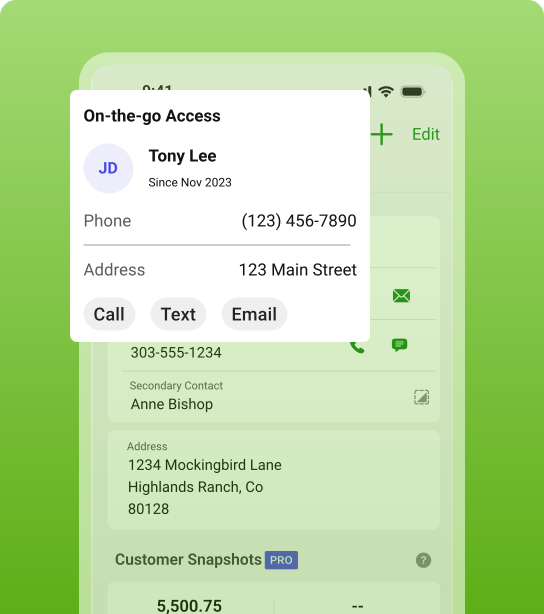
Stay ready wherever work takes you
Pull up customer details on-site or in your truck, so you can respond on the spot, confirm information, and keep jobs moving.
- Confirm details right away—no need to circle back later
- Call, text, or email from the app for smooth communication
- Stay on top of jobs without jumping between tools
Instant signup. 14 day free trial. No credit card required.


10 out of 10 hands down
Keep everything organized in one place
Managing your client records is a good place to start. But Joist takes it further. Your jobs, customers, and records stay together, so everything you need to run your business is always at your fingertips.
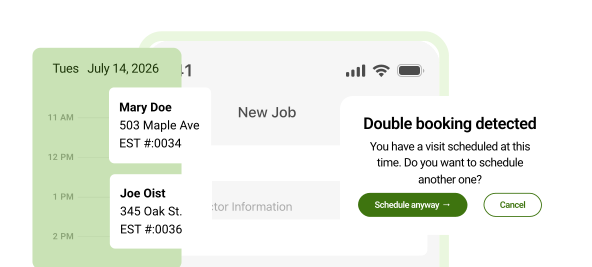
Schedule & Manage Jobs
Bring customer details, estimates, invoices, and scheduled visits together, so every job stays on track and you’re ready for what’s next.
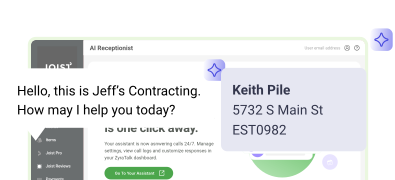
Automate with AI Receptionist
AI Receptionist answers calls you can’t get to, captures job leads, and helps you follow up faster, so you can book more work.
Client Management FAQ
A CRM (customer relationship management) helps keep all your customer information in one place, so you’re not digging through texts, emails, or notes to find what you need. You can quickly see contact details, past work, and payment history while you’re on the job.
But most contractors don’t need a full CRM to get those benefits. Joist gives you a simpler way to stay organized by keeping your client details, estimates, invoices, and payments connected—so you always know where things stand without extra setup or complexity.
Yes. You can easily sync your existing contacts to your client list in Joist, so you don’t have to do manual entry.
And for new customers, you can add their details as you’re building estimates and invoices, so there’s no need to enter everything upfront. This keeps setup simple and lets you build your client list as you go.
Yes. You can store private notes for each customer, like job details, security codes, preferences, reminders, or even dog names! These notes stay internal, so you have the info you need but your client never sees it.
Yes. Joist is built for mobile, so you can access your client details from your phone or tablet, whether you’re on-site, in your truck, or working from home.
Yes. With the Joist Pro and Elite plans, each client profile includes linked estimates, invoices, and payment activity, so you can quickly review past work and pick up where you left off.
With Joist Pro and Elite, each client profile shows recent payment activity, so you can quickly see when a customer last paid and what it was for—without checking separate records.
Free Resources on Managing Client Records and Communication
Get tips and refreshers on how to stay organized, track your work, and run your business with more confidence. Plus, check out free tools, templates, and guides built for contractors.
Explore all articles & guides on client management
Learn simple ways to organize customer details and improve communication, so you’re always up to speed.

Client Management
12 minute read
AI Receptionist: How to Turn Missed Calls into Leads

Client Management
13 minute read