Online Payment Processing
Accept payments online so you can get paid faster.
No more waiting on checks or follow-ups. With Joist Payments, you can let customers pay the moment a job is done. Offer flexible payment options that’ll get you paid sooner and keep work moving.
Instant signup. 14 day free trial. No credit card required.
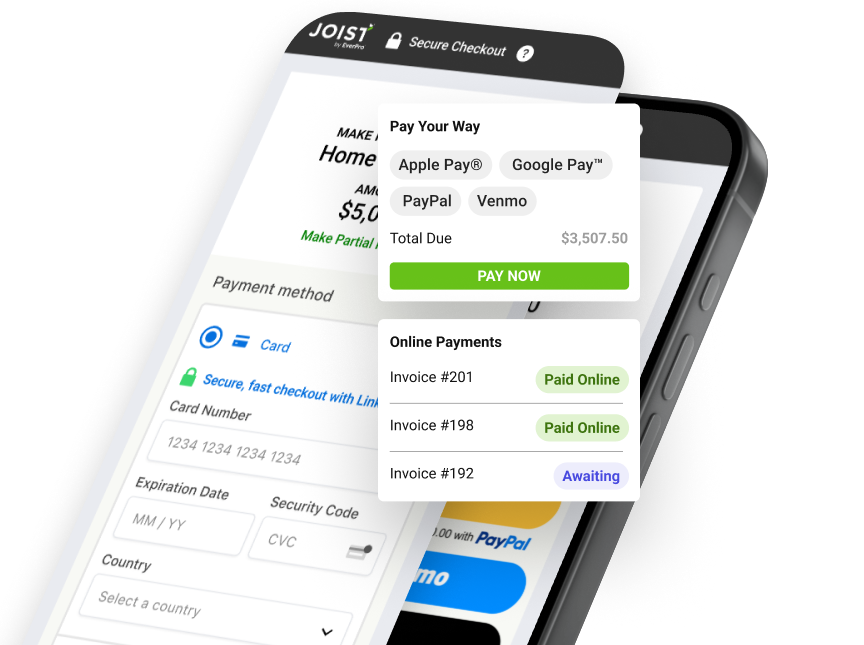


Built-in payment processing for contractors
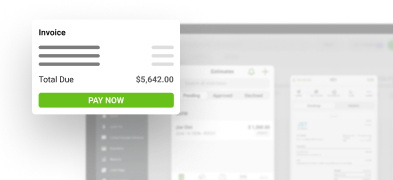
Joist connects payments directly to your estimates and invoices, so customers can pay right away. Track what’s paid, send reminders automatically, and keep everything secure and organized in one simple app.
Give customers options that help you win the job
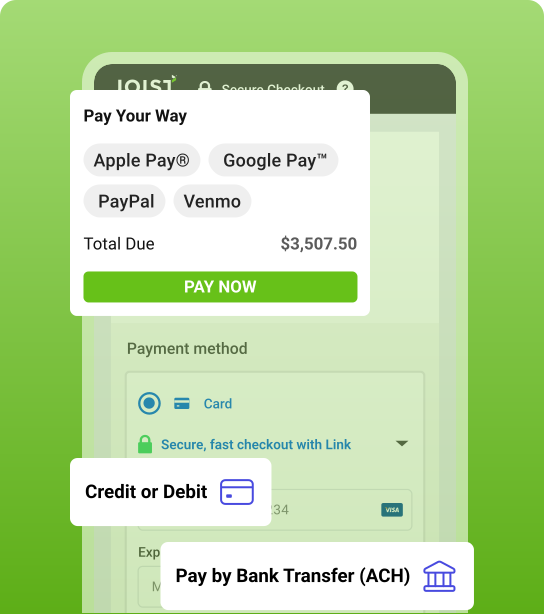
Offer payment methods customers already use, so they can move forward without hesitation. And you get paid faster after the job.
- Accept all major credit and debit cards
- Take ACH bank transfers (US only)
- Offer Apple Pay®, Google Pay™, PayPal, or Venmo
Instant signup. 14 day free trial. No credit card required.
Swap waiting on checks for faster payments
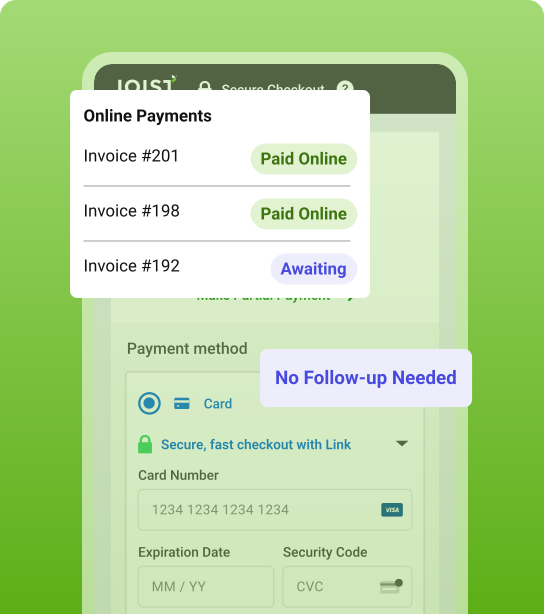
When customers can pay their invoices securely online in just a few taps, you don’t have to wait to get paid.
- Give customers the freedom to pay when and how they like
- Get your money sooner with faster-clearing digital payments
- Skip trips to the bank and manual deposits and get time back
Instant signup. 14 day free trial. No credit card required.
Get paid before you leave the job
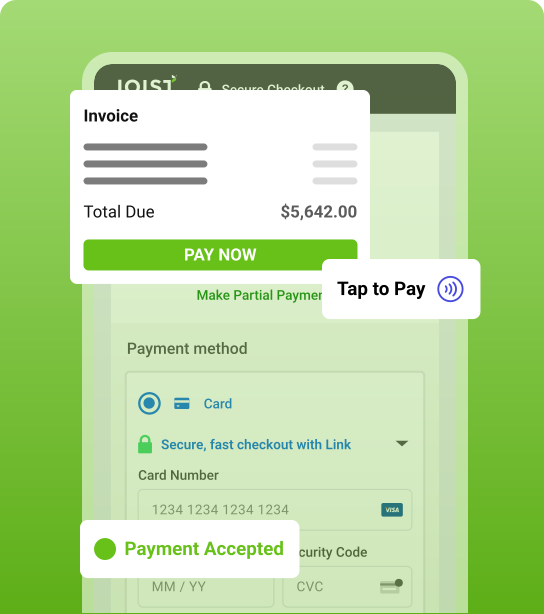
Use Tap to Pay to collect payment on-site so customers can pay you right away, and you can move on without follow-ups.
- Take contactless card and mobile wallet payments
- No extra hardware required—just your phone
- Close jobs without waiting on later payments
Instant signup. 14 day free trial. No credit card required.
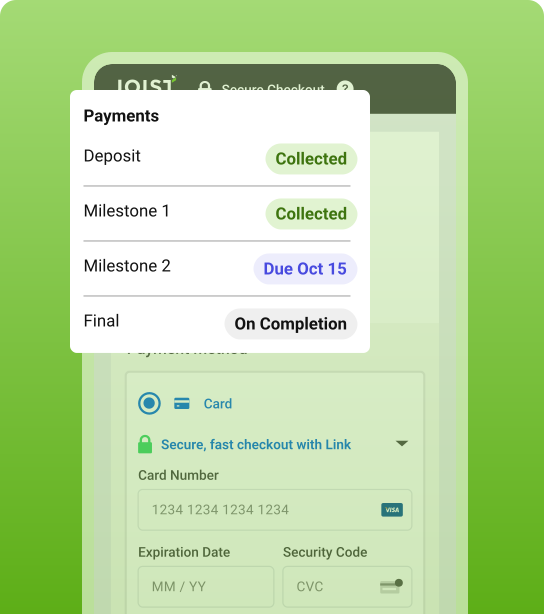
Protect your cash flow from the start
Request deposits or set up payment schedules for larger projects, so money comes in as work moves forward.
- Collect deposits on estimates or invoices before work begins
- Give your customers the flexibility to pay in installments
- Win bigger jobs and keep cash flowing throughout projects
Instant signup. 14 day free trial. No credit card required.
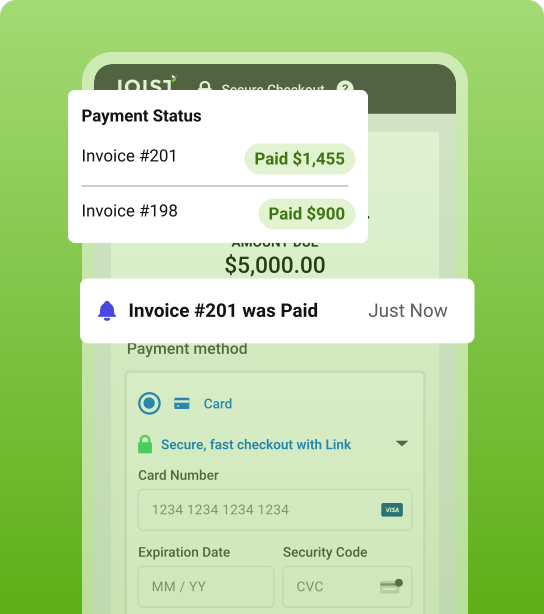
Know exactly when you’ve been paid
Real-time notifications let you know when a customer pays, so you can close out jobs and move on without second guessing.
- Get notified as soon as payment arrives
- See exactly what’s been paid, without digging through invoices
- Stay organized and keep work moving without delays
Instant signup. 14 day free trial. No credit card required.
Stop chasing down unpaid invoices
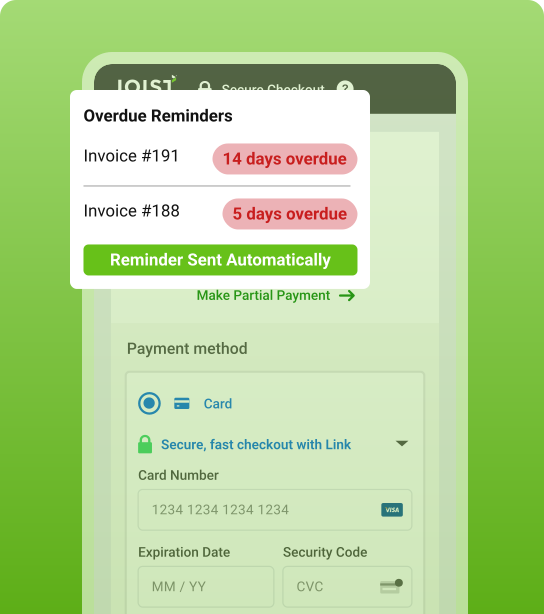
Automatic reminders do the heavy lifting for you, so you spend less time following up and more time on the job.
- Send reminders for upcoming or overdue invoices
- Keep payments moving without manual follow-up
- Stay consistent with friendly, automated nudges
Instant signup. 14 day free trial. No credit card required.


10 out of 10 hands down
Choose how you want to accept payments from your customers
Joist Payments lets you offer the payment methods your customers already use, from cards and bank transfers to PayPal and mobile wallets. There’s no setup or hidden fees, and you can switch anytime.

PayPal payments
-
Accept all major credit and debit cards
3.49% + $.49 per transaction (US)
-
Accept PayPal and Venmo
3.49% + $.49 per transaction
-
Accept Apple Pay® and Google Pay™
-
Offer PayPal Pay Later
Clients pay in 4 payments or pay monthly installments, while you get paid now. 4.99% + $.49 per transaction
-
Offer Tap to Pay
Accept in-person card and mobile wallet payments using your phone. No extra hardware needed. 2.79% + $.49 per transaction

Card and bank payments
-
Accept all major credit and debit cards
3.49% + $.49 per transaction (US)
-
Accept ACH bank transfers
1% per transaction, capped at $15. Only available in the US.
-
Accept Apple Pay® and Google Pay™
-
Offer Buy Now, Pay Later
Clients pay in 4 payments or pay monthly installments, while you get paid now. 4.99% + $.49 per transaction
-
Offer one-click repeat payments
Customers can securely save their payment details with Stripe Link.
-
Deposit checks on your phone
1% per transaction, capped at $15
Keep work moving from estimate to payment
Joist connects your estimates, invoices, and payments in one simple system so every job moves smoothly from pricing the work to getting paid—without juggling paperwork, spreadsheets, or multiple apps.
Create Accurate Estimates
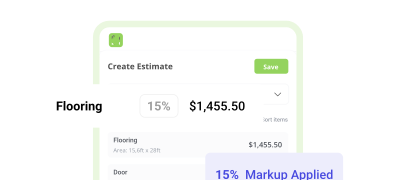
Build clear, detailed estimates with line items and pricing that help customers understand the work and approve jobs faster.
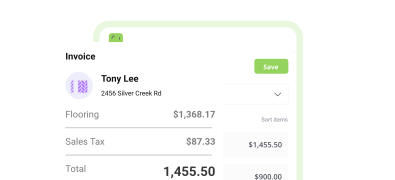
Send Professional Invoices
Turn approved estimates into clean, professional invoices in one tap. Track what’s sent, viewed, and paid, all in one place.
Payments FAQ
You can start accepting credit card payments as soon as you set up Joist Payments. Customers can pay securely from their phone or scan the QR code on their invoice.
For an even faster experience, use Tap to Pay while you’re still onsite so clients can pay via card or mobile wallet right then and there, no additional hardware needed.
ACH (Automated Clearing House) payments are bank transfers that move money directly from your customer’s account to yours without using paper checks, credit cards, or wire transfers. They’re typically faster and more secure than waiting for a check in the mail or going to the bank.
While ACH payments can take slightly longer than cards, they come with lower processing fees. For example, ACH bank transfers by Joist Payments with Stripe are offered at a low cost of 1% (up to $15) per transaction.
Yes. Digital payments can be a secure way to accept large payments, because transactions are encrypted to protect both you and your customer’s sensitive financial information.
Tools like Joist Payments use Stripe payment processing and PayPal, both trusted partners to help keep transactions safe. They also reduce the need to carry checks or cash, and create a clear, trackable payment record you and your client can reference.
For many contractors, the time saved and faster payments outweigh the cost of fees. Instead of chasing checks or making bank trips, you can get paid sooner and keep jobs moving.
You also don’t have to just absorb all the extra fees. You can easily add online payment processing fees to your clients’ estimates and invoices. This way, you’re protecting your profits while being upfront that the total cost of the job includes online transaction fees. Most customers are happy to pay for the added convenience.
Everything connected to your estimates, invoices, and payments is tracked in one place. You don’t have to manually enter any info, and it’s easy to see what’s paid, what’s outstanding, and stay ready for tax time.
Learn More About Contractor Payments
Access these free resources on accepting payments, managing cash flow, and getting paid faster. Plus, get templates, calculators, and guides for every part of running your business.
Explore all articles & guides on payments and cash flow
Get tips for collecting payments faster, managing cash flow, and giving customers flexible ways to pay so profits stay protected.

Cash Flow & Payments
10 minute read
How to Offer Homeowner Financing as a Contractor

Cash Flow & Payments
9 minute read