“I can do estimates and bill clients on the spot. Customer love how they get a quote, invoice and or receipt right-a-way. The mobile app and web interface are outstanding. Custom contracts and phone inclusion allow for a wide range of customization.”
Jose R
Managing your business just got easier
You finish up a renovation, but there's no time to spare before the next job starts. The paperwork? It has to wait. Keeping up with estimates, invoices, approvals, and payments can feel like a project of its own. Joist connects every step of the residential construction job, from first quote to final payment—helping you stay organized, keep projects moving, and get paid faster.
See how Joist supports every stage of your business
Ever lose a job because the client waited a week for pricing? You finish the walkthrough and tell yourself you'll send the estimate later on tonight. But you're exhausted when you get home. The quote gets pushed back, and the homeowner calls other contractors.
With Joist
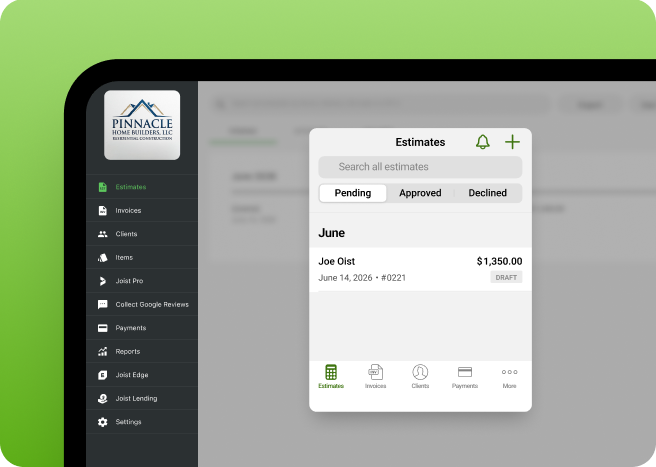
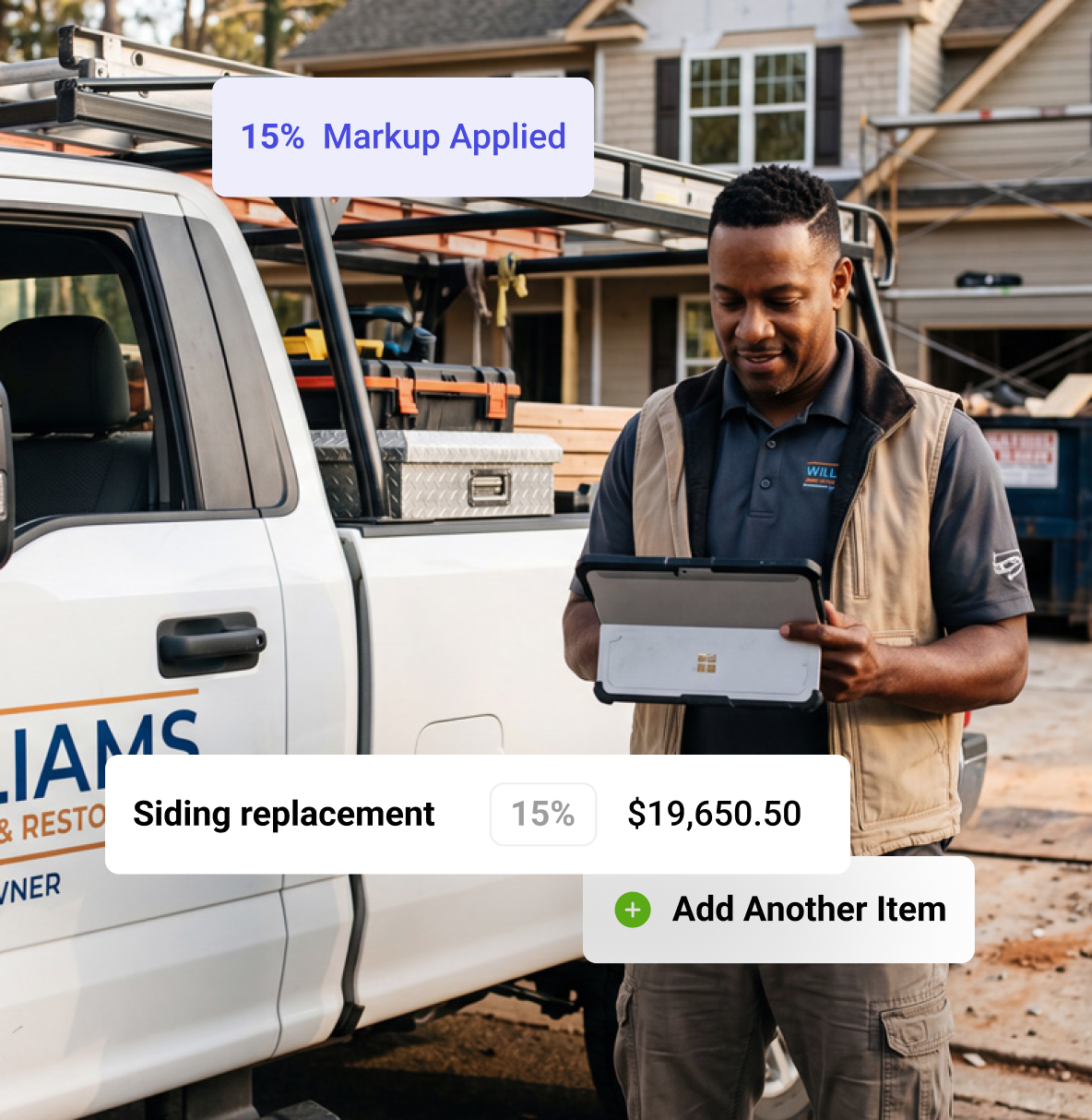
Use Joist's residential construction estimating and invoicing app. Send estimates right away. Break down materials and labor so the scope of work is easy to understand. Save project photos and details in one place, and be ready when homeowners have questions.
You're managing framing on one build while a renovation and a client walkthrough are also on the calendar. Without a clear view of what's scheduled next, visits overlap, progress payments get missed, and it’s easy to lose track of which project needs attention first.
With Joist
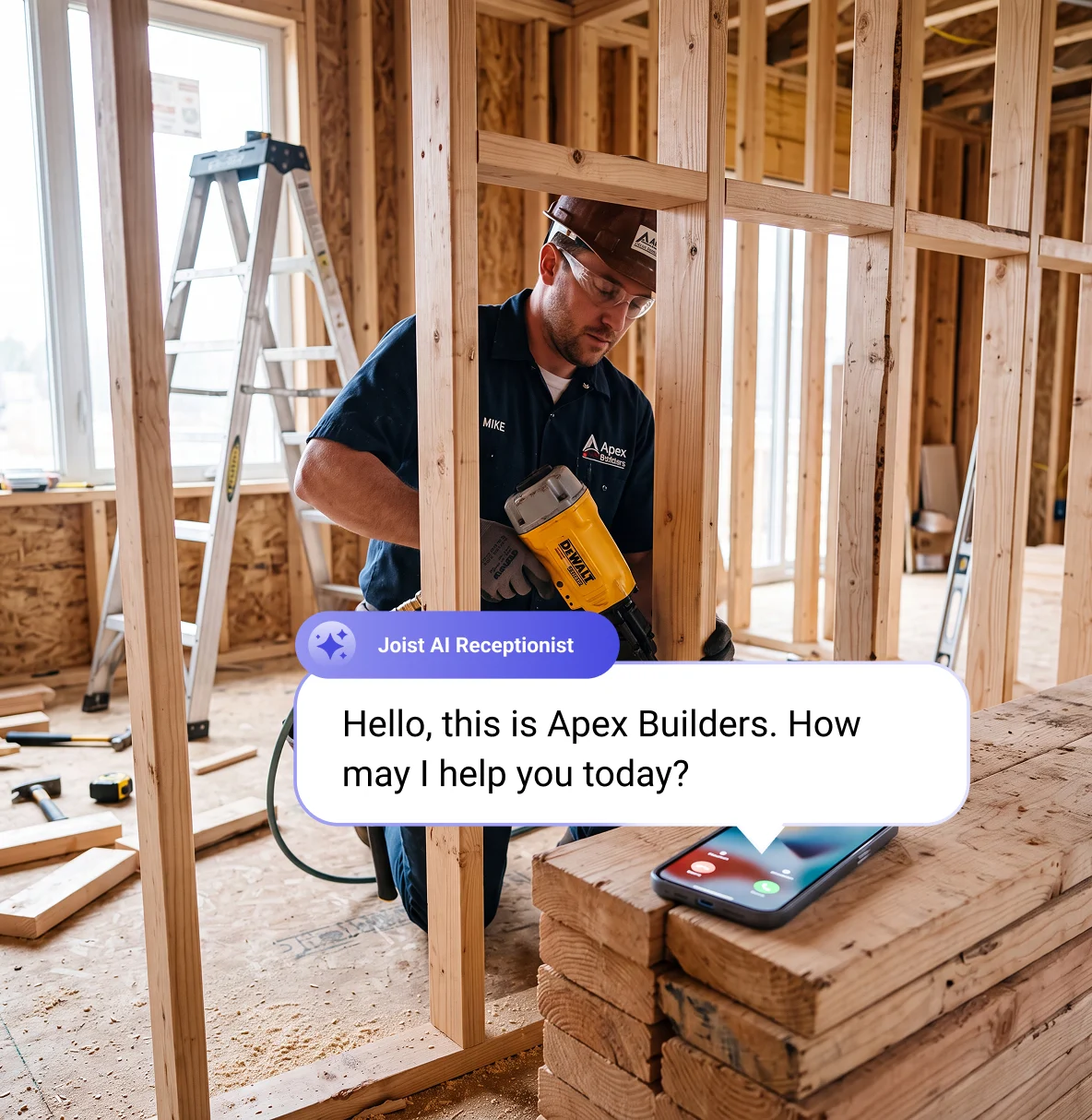
Create a job for every project and link the client, estimates, invoices, and notes to it. Schedule visits so you always know what's next and let Joist flag conflicts before they turn into a missed subcontractor visit. AI Receptionist captures calls while you're on-site.
You send the first invoice after demolition. The homeowner adds changes midway through the job, and framing takes extra time. You spend half the week updating pricing. Meanwhile, you still need to pay for labor, materials, and upcoming schedules.
With Joist
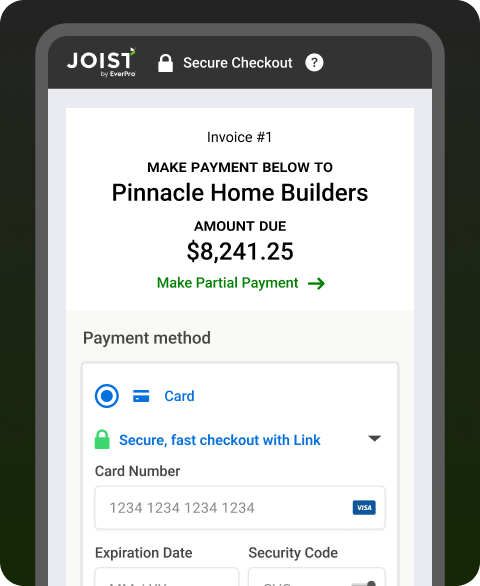
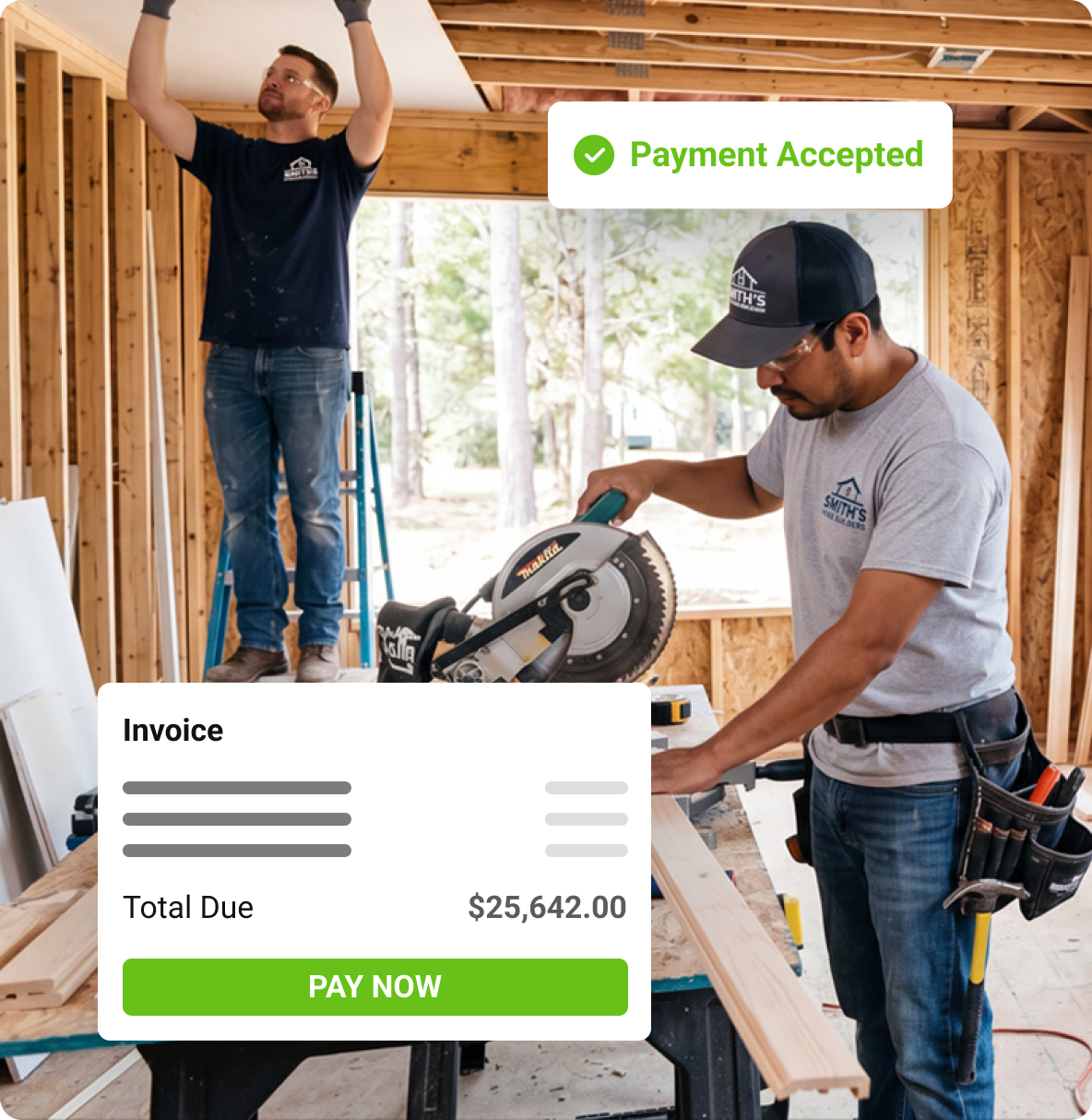
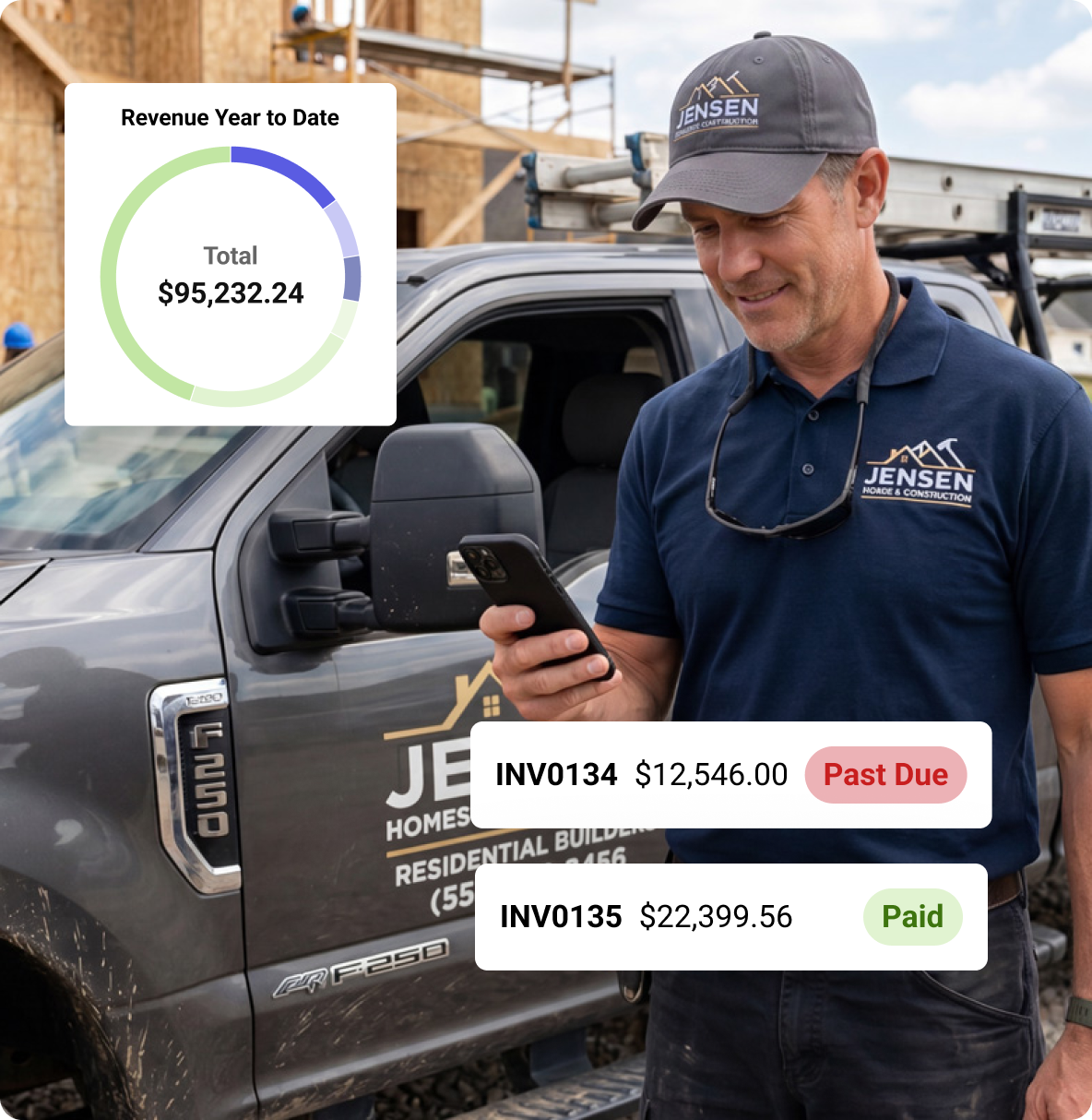
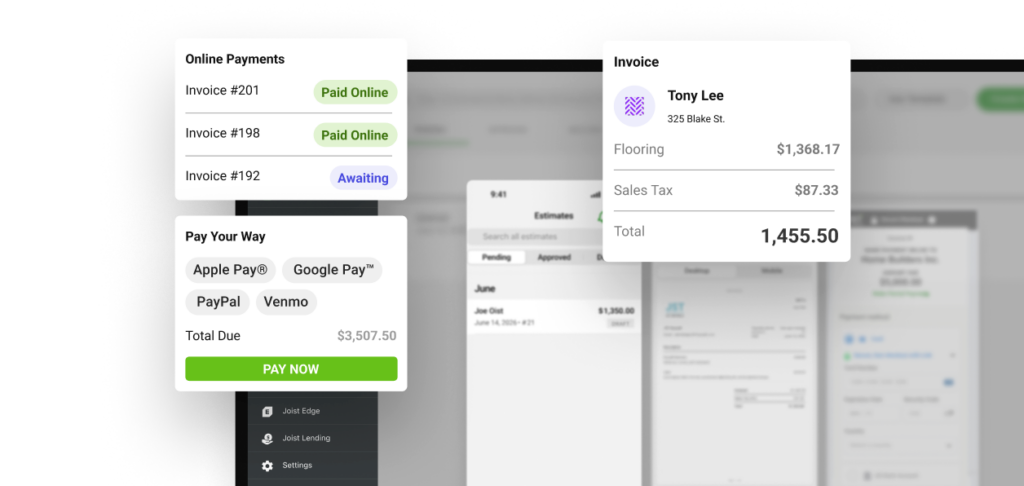
Joist's residential construction invoice app organizes deposits, payment schedules, and invoices. Win bigger jobs and get paid sooner thanks to homeowner financing. Use automatic reminders and client management tools to keep payment stages organized and reduce unpaid invoices.
The money side of business is complex in construction. One approval delays the next payment. Weather pushes schedules around, and material costs change. You sort through jobsite paperwork, receipts, and field invoices trying to figure out if you're making money.
With Joist
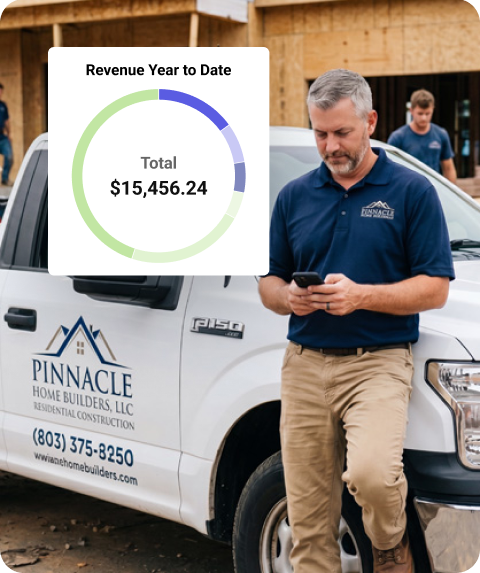
Joist tracks expenses, stores receipts, and gives you monthly reporting in one spot. You can see how jobs are performing while the project is still ongoing. Need money for materials or payroll before the next payment stage? Joist's business funding is a quick solution.
Job details are stored all over the place: in texts, emails, apps, and on paper. If someone asks for something specific, it takes 20-plus minutes of digging to find it. Your current setup makes good contractor organization almost impossible.
With Joist
Access customer details, approvals, invoices, and project updates from one app. Quickly find the information you need when homeowners ask about scope changes, pricing, or project progress. You can also track expenses and monitor project performance with built-in reporting.
You finish a job and move on to the next. It disappears into the rearview mirror, and even though the customer was overjoyed with the results, you have nothing to show for it. No reviews and no referrals. That means fewer local leads coming in.
With Joist
You're done invoicing for residential construction contractors. Joist automatically sends through a Google review request after payment. It’s easy for your customers to share their positive experience. You get more local visibility and more inquiries from homeowners.
“We have used Joist and recommended this to many for years! It is one of the best programs I have used for agreements. Integrates photos, multiple addresses, save frequently used items, easy export- the perfect solution for a company on a budget!”
Jerika Z
Rewards and resources for contractors
With Joist, you can earn cash back on qualifying purchases, like lumber and hardware. Plus, you’ll get access to contractor resources, expert insights, and tools to help grow your business.
Join over 1.3M contractors and get started with Joist today.
Joist is an easy-to-use app that lets you handle estimates, invoices, and payments from anywhere—no spreadsheets, no late nights catching up on admin. Built for contractors, by contractors.
Instant signup. 14 day free trial.No credit card required.
Residential construction software FAQs
The best software depends on the type of residential construction jobs you take on. A contractor running multi-phase renovations or builds needs different tools than somebody handling smaller repairs.
Joist gives you one place for estimates, invoices, payments, approvals, photos, and project details. It lets you track changes to scope and pricing and meet homeowner expectations. Whatever your specialty, you spend less time on admin while looking more professional. And you get paid faster.
Yes, you can. To do this, use residential construction quoting software like Joist. Price the project on-site, input the details, and let our app do the rest. You can even break down materials, labor, and project phases.
Your client will have all the information they need to make a decision, all before you pull out of the driveway.
Yes, it can. You’ll usually need upfront money before larger projects begin. This covers materials, permits, demolition, and other expenses.
Joist makes deposits for contractor jobs easy to collect. It’s as simple as adding the details of the job and hitting send. Your client can pay right from their phone, so there’s no delay.
As a bonus, you can use customer management tools to coordinate customer approvals.
To send invoices faster, try using an app on your phone for field invoicing.
Mobile invoicing for residential construction contractors lets you send invoices before driving to the next project. With Joist, you can:
Send progress invoices after each phase
Request final payments from the jobsite
Take card payments from your phone
Online payments help residential construction contractors get paid sooner because homeowners can pay the invoice right away. They can do it from their phone instead of mailing checks or waiting for the next site visit.
Faster payments improve contractor cash flow as well. This is important for home build or long renovation projects with ongoing labor and material costs.
Yes. A residential construction estimate app needs to adapt to different project sizes and timelines. Joist works for quick repair jobs, phased renovations, room additions, and larger home builds. You can manage deposits, approvals, progress payments, final invoices, and project records.
Residential construction contractor software keeps estimates, invoices, payments, approvals, photos, and customer details together in one place. That makes updates easier during active jobs. It improves the customer experience. And it gives homeowners more confidence that the project is being managed properly.
Yes, Joist’s residential construction estimate software can make your business look more professional. When people spend serious money on home upgrades, they want to know the contractor runs an organized business. Clean estimates, invoices, fast communication, and structured payment schedules earn customer trust.
Helpful resources for contractors
From pricing jobs to managing your workflow and running your business, these free resources offer practical tools and guidance you can use every day.
Residential Construction Contractor Resource Center
Get free guides, calculators, templates, and articles for residential construction contractors. Organize paperwork and stay on top of the business side of long projects.
Learn how to price phased renovation jobs
Use templates for estimates and invoices
Get tips for approvals, payments, and scope changes
Check out the latest residential construction tips and pro insights. Learn about estimates, invoices, payments, project pricing, and homeowner communication.
From estimate to final payment, Joist gives contractors a simple way to save time, keep everything organized, and get paid faster, all from the jobsite or on the go. Start your free trial today.