Free Invoice Templates
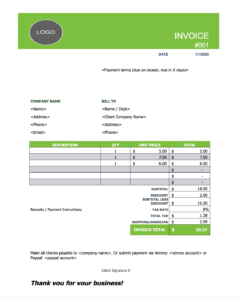
Invoice Templates: Download, Edit, & Send
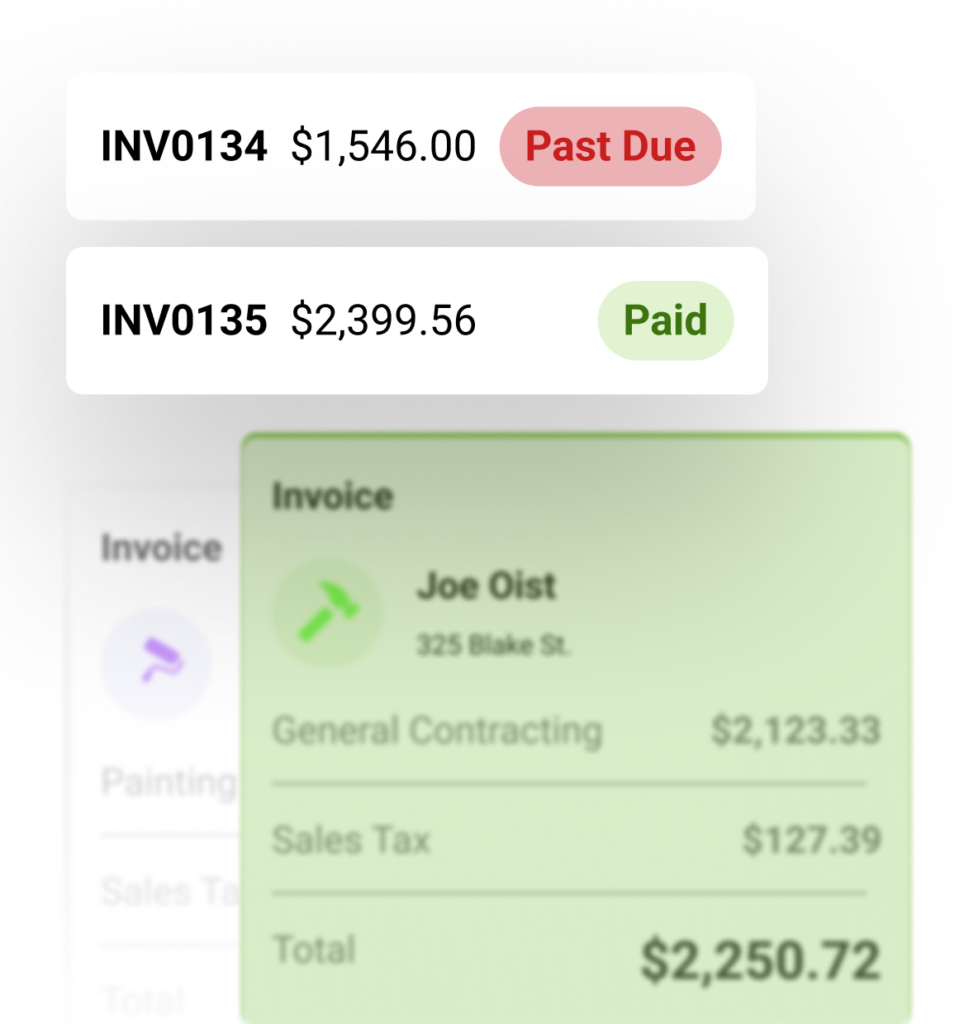
Use these free invoice templates to bill clients clearly for any job: simple, detailed, by service, or in stages. Want to send an invoice and get paid instantly? Try Joist.


How to choose the right invoice template
Choose the invoice template that fits how you bill, then send it with confidence. We offer simple, detailed, service, and progress formats built for different job types and billing needs.
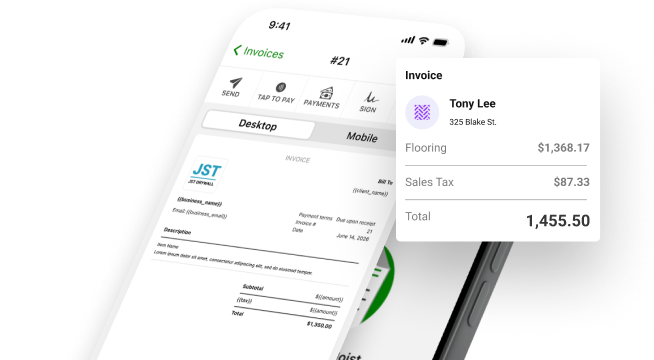
Get Paid Faster with Joist Invoices
Send professional invoices and get paid faster—all from your phone.
- Convert estimates to invoices
- Automatic payment reminders
- Add photos and attachments
- Send invoices from anywhere
- Track paid & overdue invoices
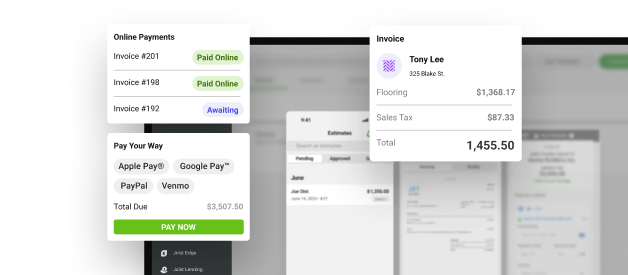
- Accept cards, ACH & Venmo
- Request deposits upfront
- Collect digital signatures
- Instant pay notifications
Invoicing and Estimating Software Resources by Industry
Find trade-specific templates, calculators, and guides for your industry. From roofing and plumbing to painting, electrical, and beyond, Joist has resources built for the way you work.


Invoice Template FAQs
Right here. Joist offers free, downloadable invoice templates organized by billing type: simple, detailed, service, and progress invoice formats. Download the one that fits your work, fill in your job details and pricing, and send it to your client. When you’re ready for a faster workflow, Joist’s invoicing app lets you send professional invoices from your phone, collect payment online, and track what’s been paid and what’s still outstanding, all in one place.
A professional contractor invoice should include your business name, contact info, and license number. It should also have the client’s name, address, contact details, an invoice number and date, a due date and payment terms, itemized line items for labor and materials, and quantities and unit pricing. Lastly, the invoice should include the subtotal, taxes, and total amount due, as well as your preferred payment method. For phased or progress billing, you’ll also want to show prior amounts billed, the current payment due, and the remaining project balance.
For small jobs, one-off repairs, or repeat customers you bill regularly, a simple invoice template is usually the right fit. It includes your business and client info, a brief description of the work, and a clean total—without the extra fields that slow you down on straightforward billing. If you’re regularly invoicing fast jobs from the field, Joist’s app lets you build and send a professional invoice in under a minute and collect payment on the spot. Our recurring invoices feature also allows you to set up automated recurring invoices for jobs that happen on a regular invoicing schedule.
Use a detailed invoice when the job involves multiple labor and material types, or when clients need to see a full itemized breakdown before paying. Use a progress invoice when you’re billing a larger project in stages—tracking what’s been billed previously, what’s due now, and what remains on the total contract. As jobs get more complex, invoicing software like Joist handles progress billing, payment reminders, and status tracking in a way that a static template simply can’t.
A clear, professional invoice reduces the back-and-forth that delays payment. When clients can see exactly what they’re being charged for, with a clear due date and straightforward payment instructions, they’re more likely to pay promptly. Templates help you get that clarity consistently on every job. And when you move to invoicing software like Joist, you can add online payment options, automatic reminders, and real-time status tracking that speeds up the whole payment process.
For occasional or simple billing, a free template is a solid starting point. But as your workload grows, invoicing software does things a static template can’t—like sending payment reminders automatically, accepting online payments by card, ACH, or mobile wallet, tracking which invoices are paid and which are overdue, and connecting your estimates and invoices in one organized system. Joist is built for contractors who want the simplicity of a template with the power of a full invoicing and payment platform behind it.
Explore related resources and tools
Invoice templates are just the start. Joist also offers estimate templates, free calculators, practical guides and articles, and a full contractor resource center to help you save time and grow your business.
Contractor Resource Center
Your go-to hub for free tools, templates, and guides built to help contractors run a more organized, profitable business.
- Free estimate and invoice templates for a variety of job types
- Trade calculators to help you price jobs and protect margins
- Practical guides across every part of running your business
Free Estimate Templates
Free, customizable estimate templates to quote jobs clearly and win more work.
Free Trade Calculators
Free calculators to estimate job costs, protect your margins, and quote with confidence.
Top Invoicing Articles & Guides
Guides to help you send professional invoices, reduce payment delays, and get paid faster.

Get started with Joist.
From estimate to final payment, Joist gives contractors a simple way to save time, keep everything organized, and get paid faster, all from the jobsite or on the go. Start your free trial today.